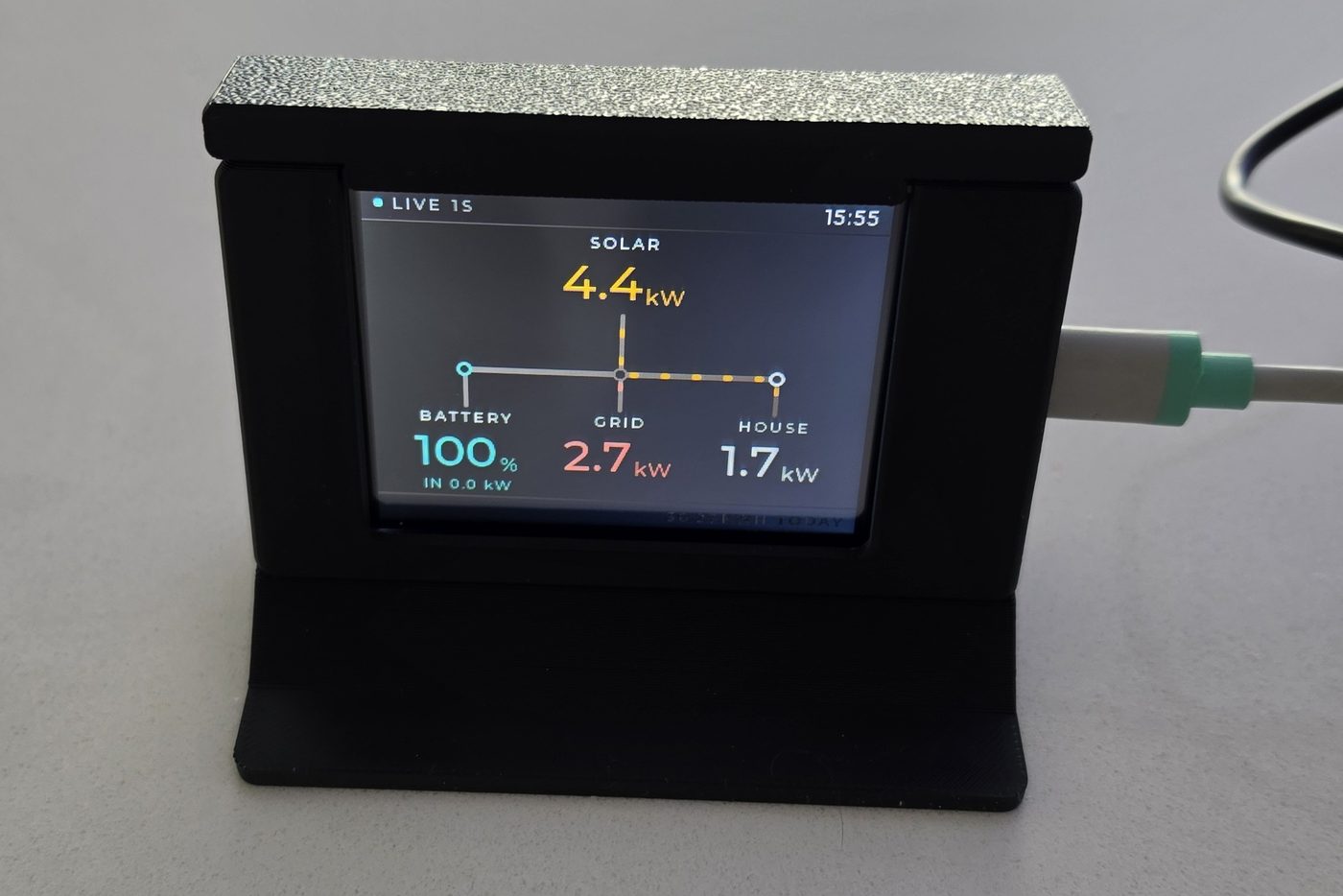
2.8-inch
—
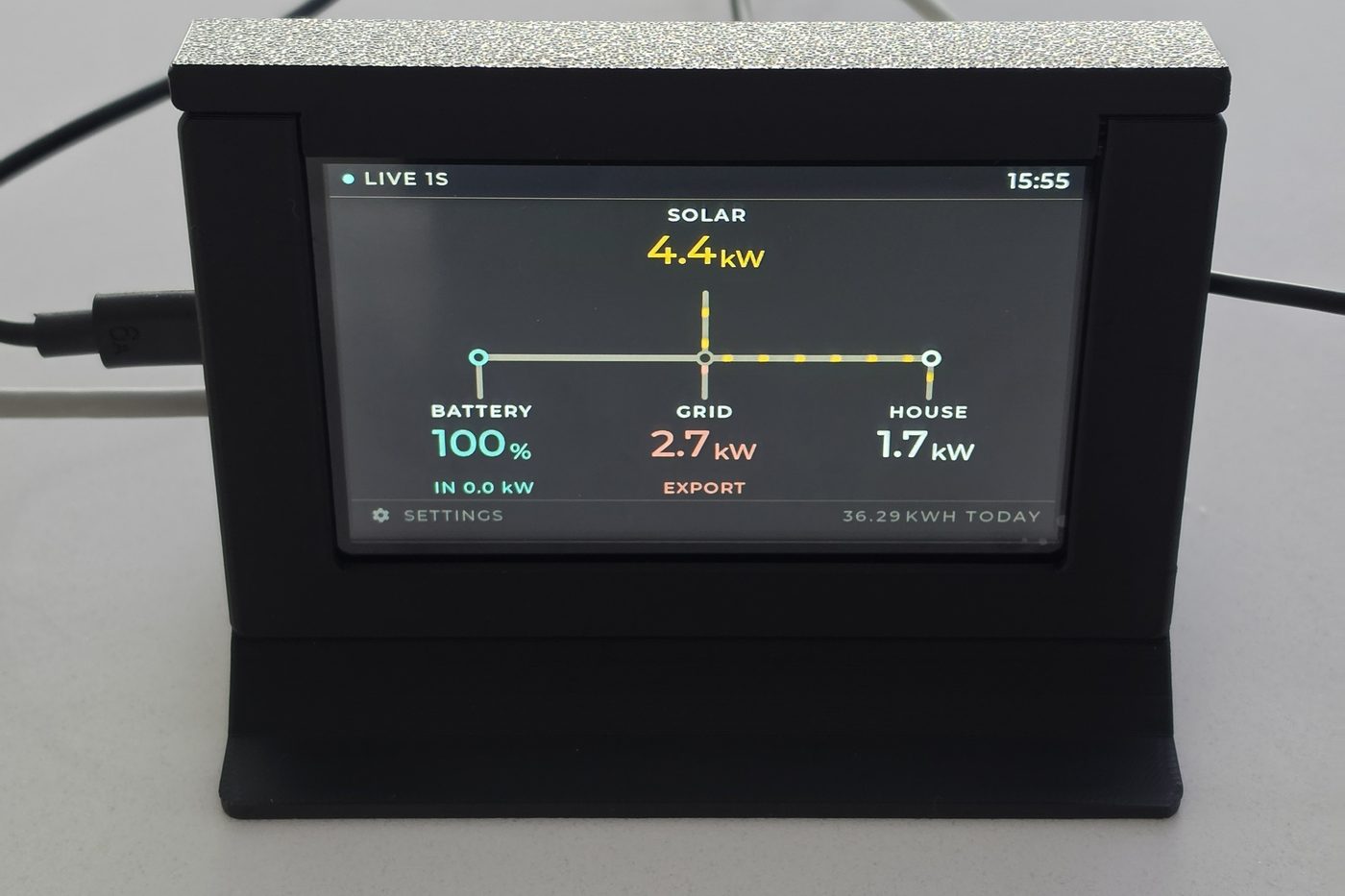
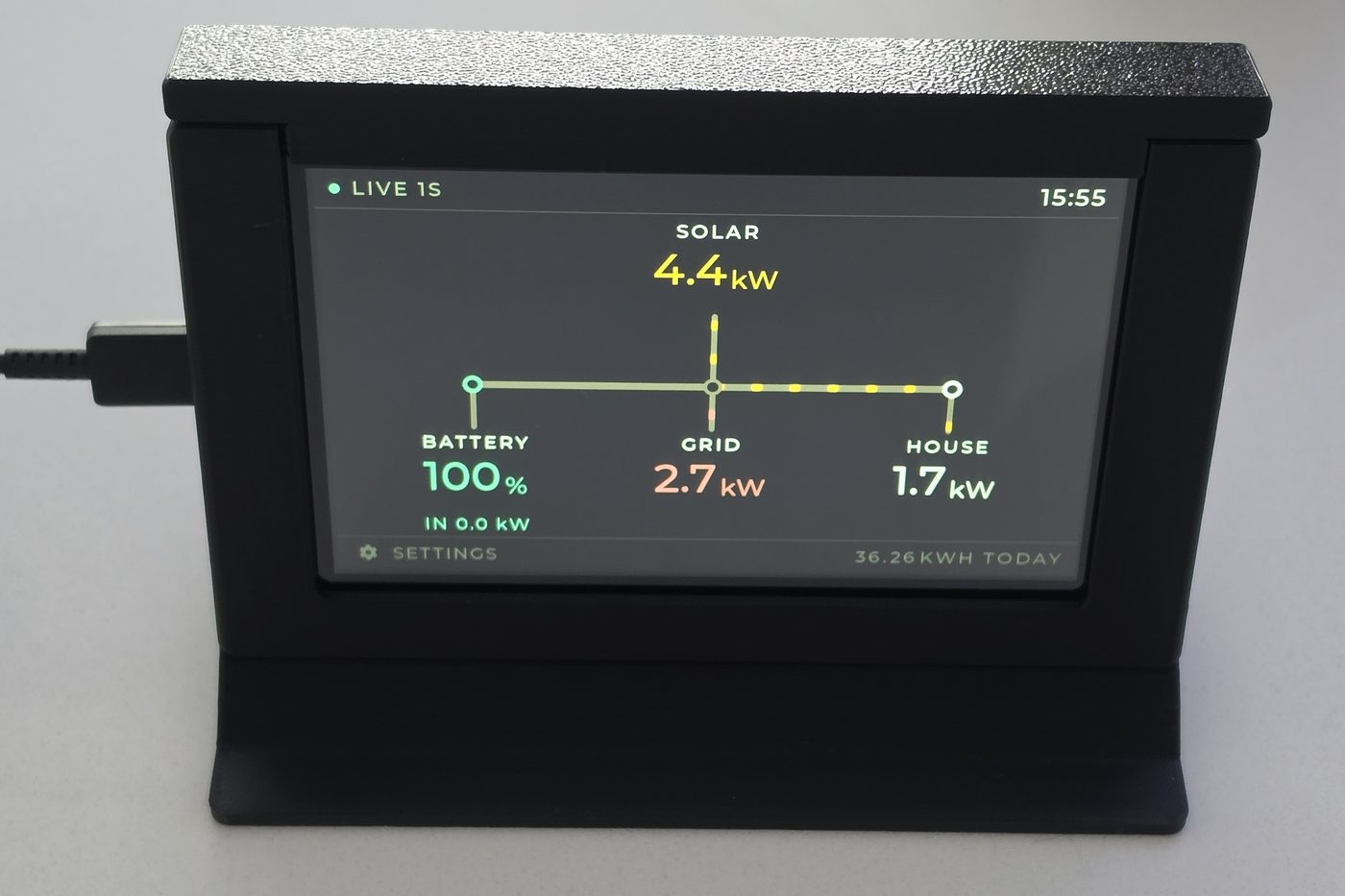
320 × 240, in a printed case and stand. A good entry level model to place on a desk.
- Panel2.8" 320 × 240
- SetupPhone, via its own wifi
- In the boxPrinted case and stand, USB-A to C cable
- PowerUSB-C — plug not included
For Sigenergy system owners
SigBuddy sits on a shelf and shows what your system is doing this second — what the sun is making, what the house is drawing, where the battery is at. You stop unlocking your phone to find out.
Reads your Sigenergy system directly over your own wifi. No cloud account, no subscription, nothing leaving the house.
SigBuddy talks to your Sigenergy system over your own wifi, using the Modbus connection built into it. Your production figures never leave the house, and the display keeps working when the internet doesn't.
Switch the kettle on and watch the house figure jump. That's the whole point — fast enough that you can see cause and effect, which is when people actually change what they do.
If there's a power cut and your system switches to backup, the grid figure drops to zero and a flashing OFF GRID appears under it, easy to spot from across the room. When the grid is back it goes back to showing import and export.
No battery? No grid? Say so during setup and that leg disappears from the diagram entirely. You get a display drawn for the system you own, not one with a dead corner.
Software updates can be loaded locally and the units upgraded later to take advantage of any new features.
No app to install, no account to make, no password to reset in two years. It's plug and play and fully self contained.
Three sizes
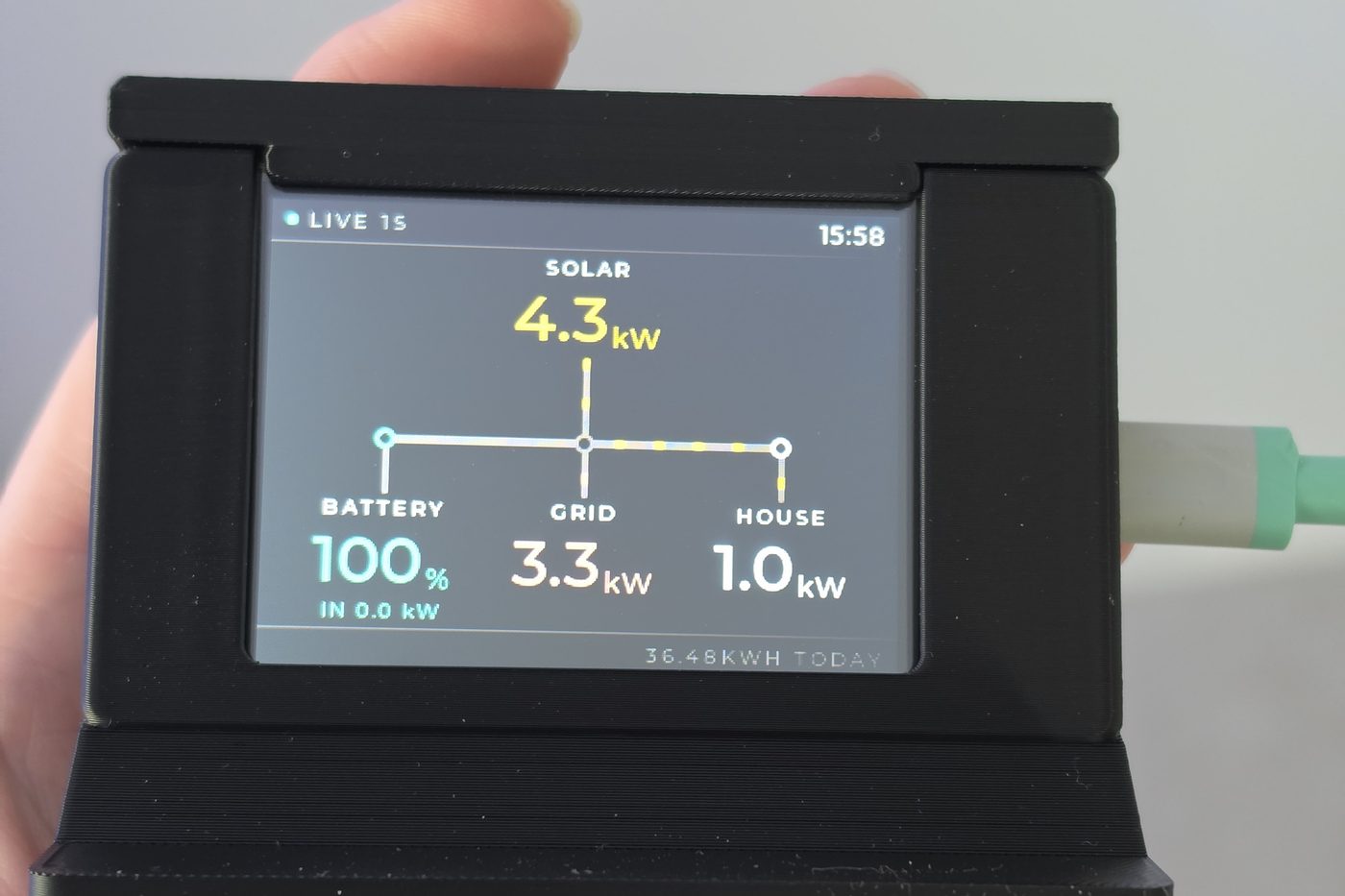
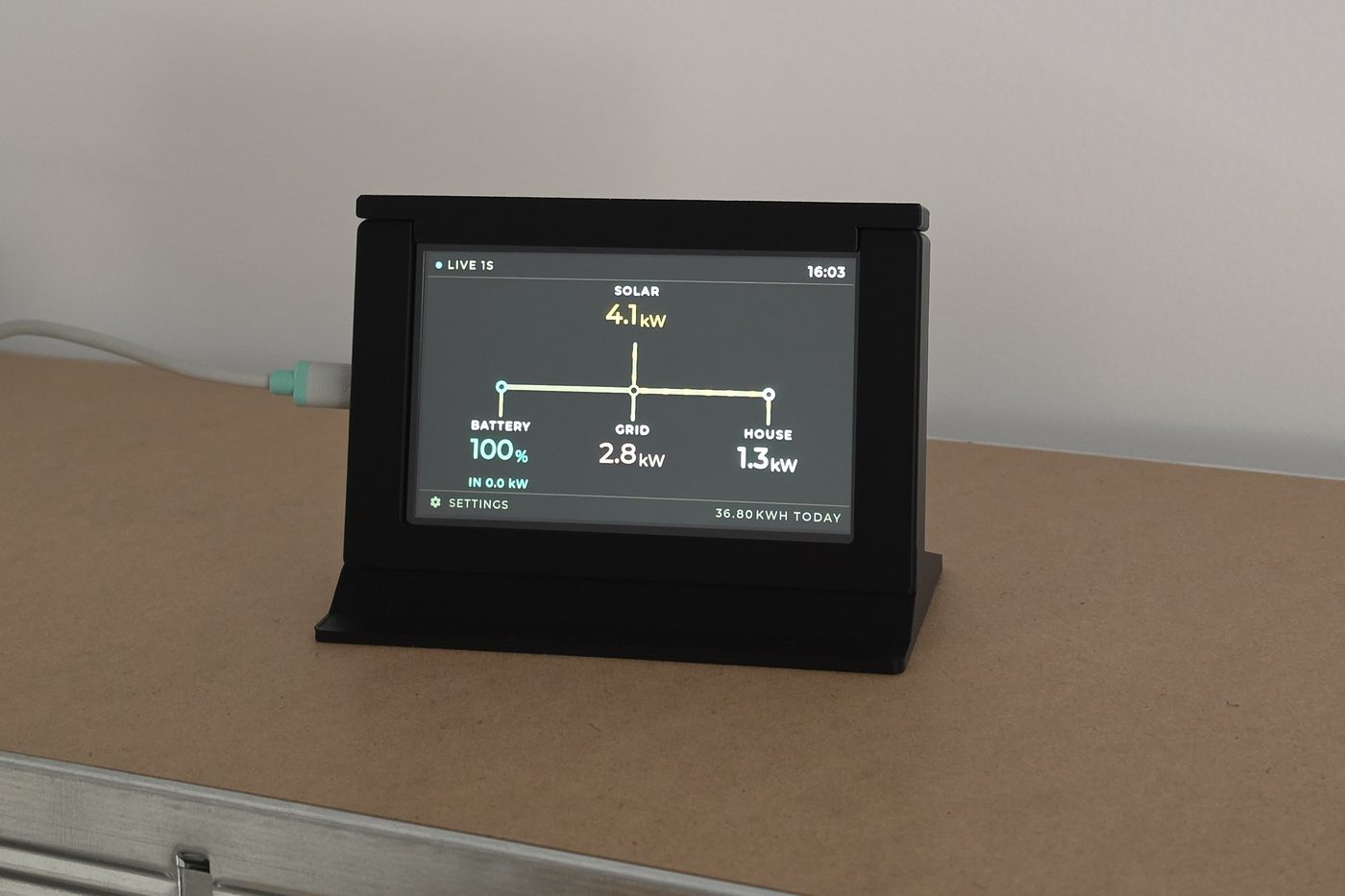
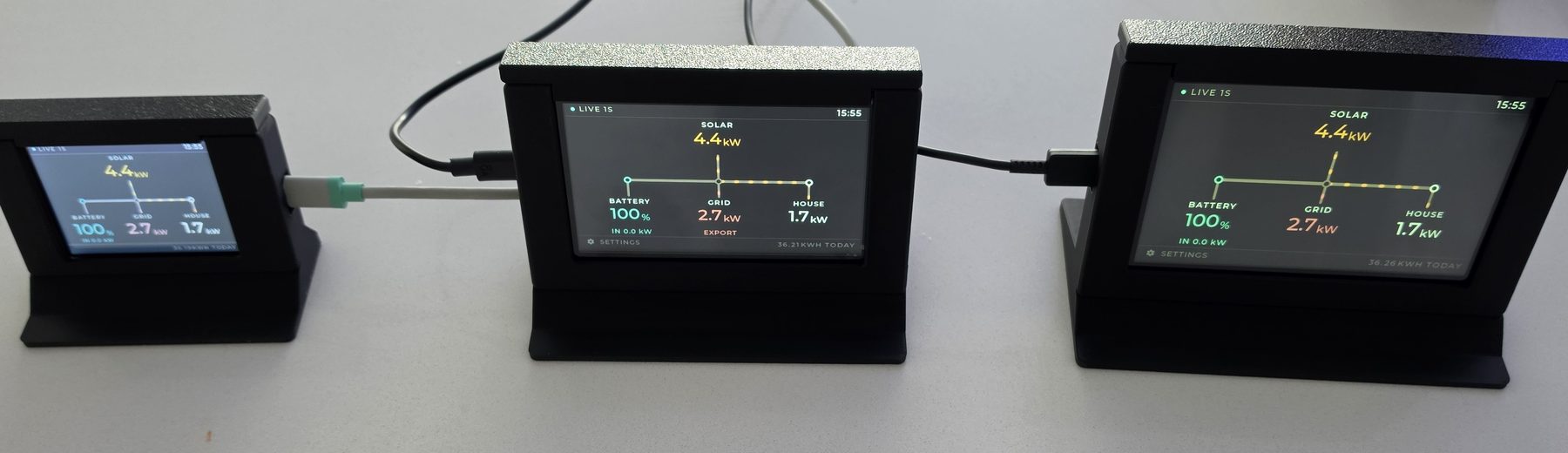
The 2.8-inch is for close range — a desk, a kitchen bench, the shelf by the door. The 4.3-inch reads across a room, and the 5-inch reads across a bigger one. Both of the larger two use an IPS panel — a clearer picture, and it stays readable from off to the side, so you are not stuck standing square on to it. All three show the same figures and follow a similar quick setup process.
—
320 × 240, in a printed case and stand. A good entry level model to place on a desk.
—
800 × 480 on an IPS panel — nearly four times the pixels of the 2.8-inch, and it holds its picture from off to the side rather than washing out. Touchscreen, so setup and settings happen on the display itself.
—
The same 800 × 480 IPS touchscreen as the 4.3-inch, on a bigger piece of glass and just as readable from an angle. The one to pick if it’s going somewhere you walk past rather than sit at.
Setup
Your Sigenergy system won't answer anything on your network until this is switched on, and it's off from the factory. In mySigen: System → System Settings → Modbus TCP Server Settings.
The 2.8-inch puts a QR code on screen: scan it, your phone joins the display, and a page opens where you pick your network. The 4.3- and 5-inch skip the phone entirely — you type it on the touchscreen. Either way it's your network name, your password, and whether you have a battery.
Pick the same network your Sigenergy system is on, and note that it joins 2.4 GHz networks only.
No IP addresses to type in. SigBuddy restarts, joins your wifi, scans for your Sigenergy system and starts drawing live power. From here it's an appliance — it comes back on its own after a power cut, and there's nothing to maintain.
Specifications
Only your wifi. SigBuddy reads your Sigenergy system directly on your local network, so when your broadband drops out the display carries on as normal. Nothing about your generation or usage is sent anywhere.
SigBuddy finds your system by itself when they share a network. If yours is on a different one, you can enter the Sigenergy's IP address by hand instead, and it will talk to it across networks as long as there's a path between them.
In the rare case where that isn't possible, a special firmware can be arranged. If you're at all unsure whether your setup will work, please get in touch at contact@sigbuddy.com before you buy.
Say no to the battery question during setup and the battery is left out of the diagram completely — you get a solar, grid and house layout drawn for your system. You can change the answer later by resetting it.
No. SigBuddy speaks to Sigenergy systems specifically. If you have something else, this isn't the product for you and we'd rather say so before you buy it.
Yes, as long as your Sigenergy system can see the other inverter. Where an installer has added a Sigenergy battery alongside solar that was already on the roof, the older inverter usually stays where it is and is metered by the Sigenergy. SigBuddy reads that figure too and adds it in, so the solar number on screen is all the solar on the house — not just the part wired through the battery. There is nothing to switch on and no question to answer at setup; it is included whenever your system reports it.
Two things worth knowing. It is one solar figure, not two: the display totals them rather than drawing a second branch. And if your older array was never wired into the Sigenergy at all, nothing can see it — not the display, and not the mySigen app either.
Not as its own figure — that's still on the roadmap. The house number is your system's total load, so a car charging or a smart load like a hot-water diverter shows up there.
A separate car figure can be added to existing displays later on request, so buying one now doesn't rule it out.
If your Sigenergy system has backup and drops off the grid, the grid figure goes to zero and a flashing OFF GRID appears under it, so you can see from across the room that you're on your own power. It stops flashing when the grid comes back.
Yes, they're independent — each one reads the system on its own. A common pairing is the 4.3-inch in the kitchen and a 2.8-inch on a desk.
No. All three stand on a shelf or bench as they come. Power is a USB-C cable, so it goes wherever you have a socket.
It depends which size you have. On the 4.3-inch and the 5-inch, tap the gear and choose Change wi-fi — it restarts, asks for a network, and keeps everything it already knows about your solar system. The 2.8-inch has no touchscreen, so it's a full reset: hold the BOOT button on the back until the screen counts down from five and let go. That clears your answers about the site along with the wifi, so you'll fill those in again.
Owners
My order arrived overnight thanks. It took me longer to walk to the letterbox than it did to set up the display… too easy!! 😄
My wife is rapt. She doesn’t carry her phone around 24/7 and gets tired of me telling her to check the solar.
Exactly as advertised — simple, effective, and it just works. 👍 That’s an easy 5/5 stars from me.
Thanks for the solar display. It is so simple but useful.
It’s excellent! Hope you sell plenty as it’s a great value for the price and a fabulous piece of kit!